繁体中文
繁体中文-
 English
 -
 שפה עברית
 - 繁体中文
-
 Latviešu
 -
 беларускі
 -
 Hrvatski
 -
 lugha ya Kiswahili
 -
 አማርኛ
አማርኛ -
 ქართული
 -
 Hausa
Hausa -
 Zulu
Zulu -
 Հայերեն
 -
 Igbo
Igbo -
 Yoruba
 -
 Español
 -
 Português
 -
 русский
 -
 Français
 -
 日本語
日本語 -
 Deutsch
 -
 tiếng Việt
 -
 Italiano
 -
 Nederlands
 -
 ภาษาไทย
 -
 Polski
 -
 Svenska
 -
 magyar
 -
 Malay
Malay -
 Dansk
Dansk -
 Suomi
Suomi -
 हिन्दी
 -
 Pilipino
 -
 Türkçe
 -
 العربية
 -
 Indonesia
 -
 Norsk
Norsk -
 český
český -
 ελληνικά
 -
 український
 -
 فارسی
فارسی -
 български
 -
 Қазақша
 -
 Azərbaycan
 -
 Slovenský jazyk
 -
 Lietuvos
 -
 Eesti Keel
 -
 Română
 -
 Slovenski
 -
 Srpski језик
 -
 한국어
한국어

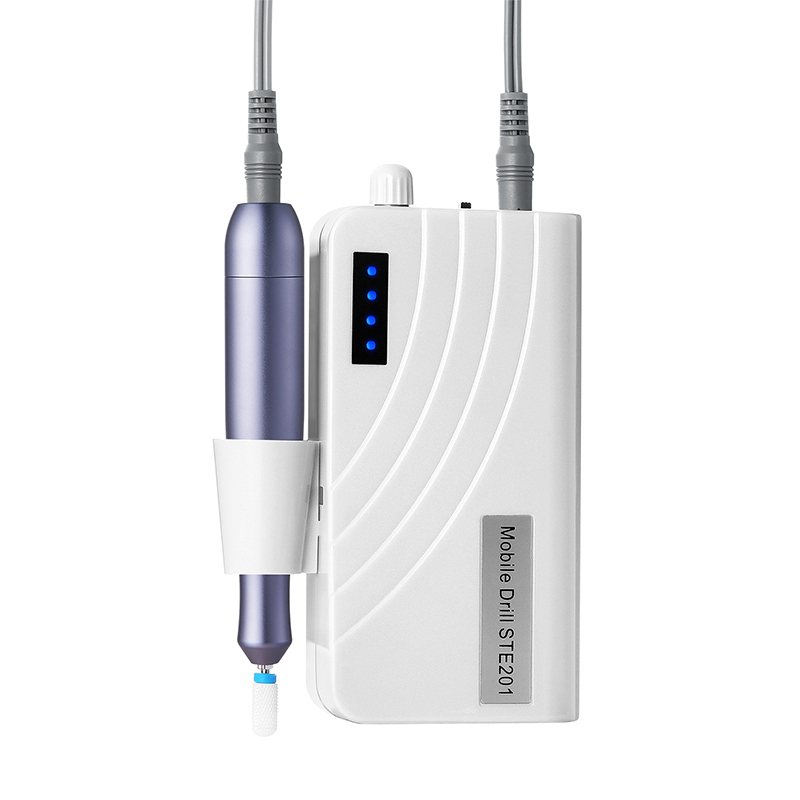
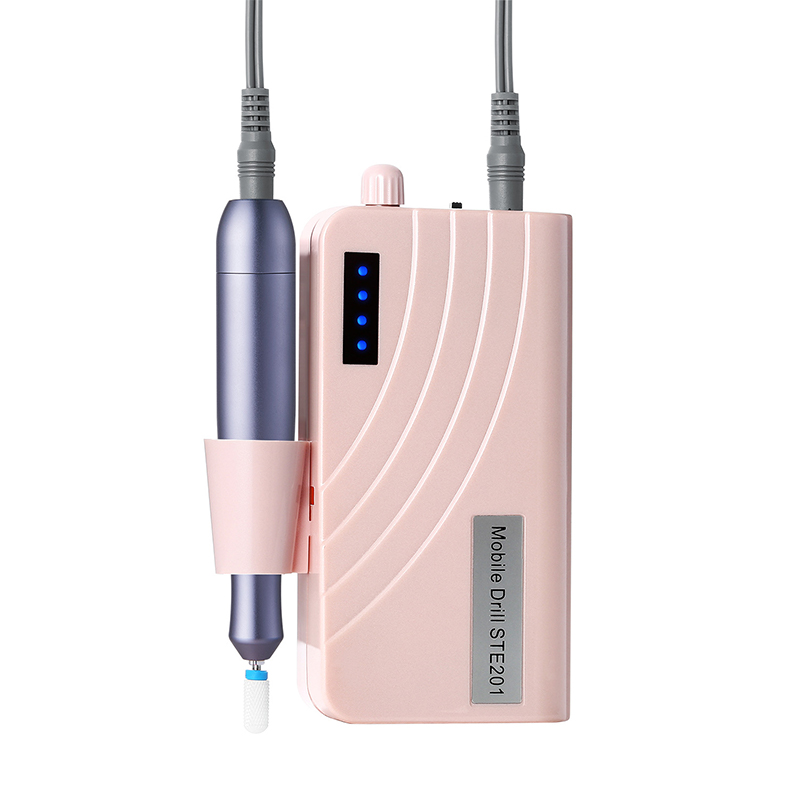
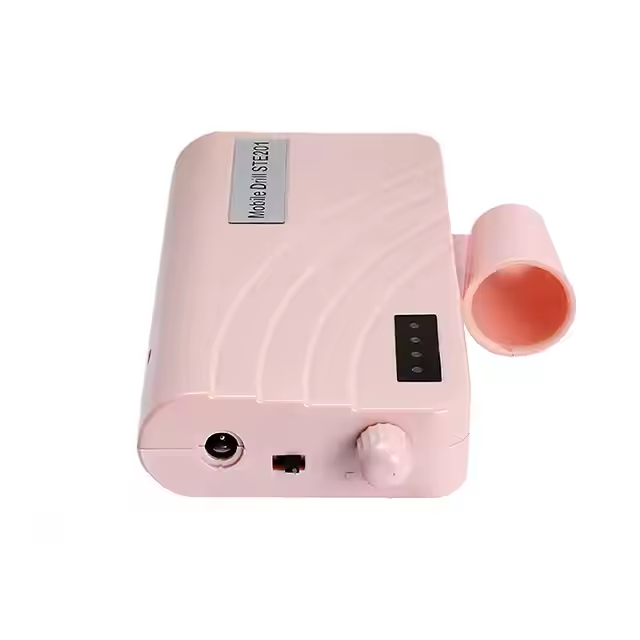
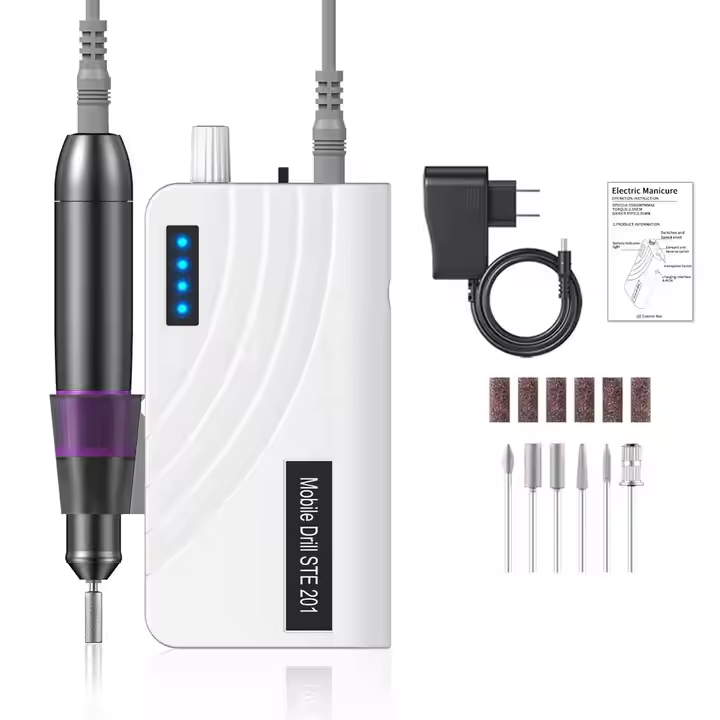
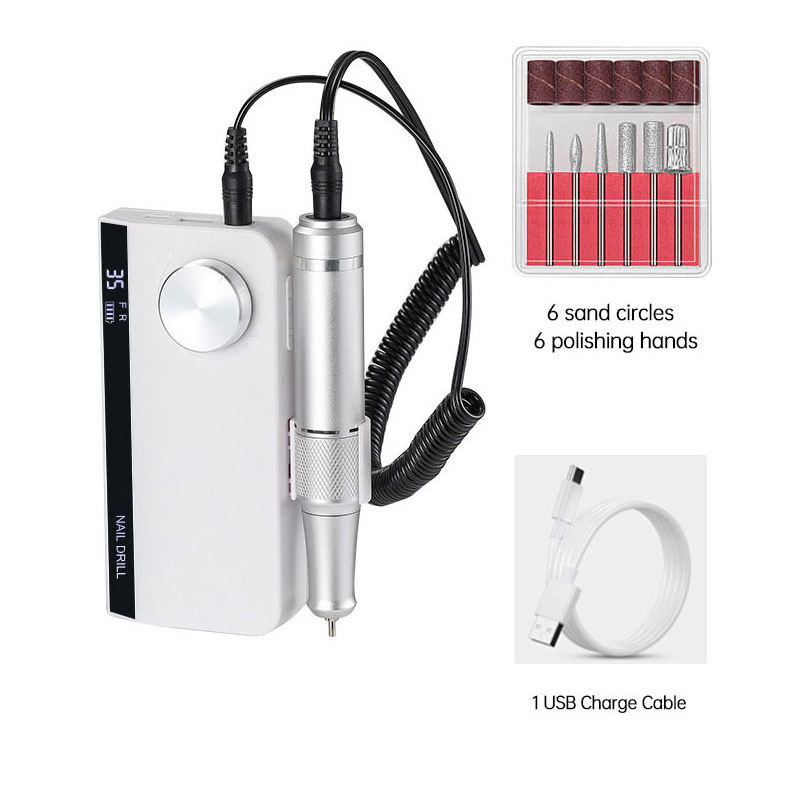
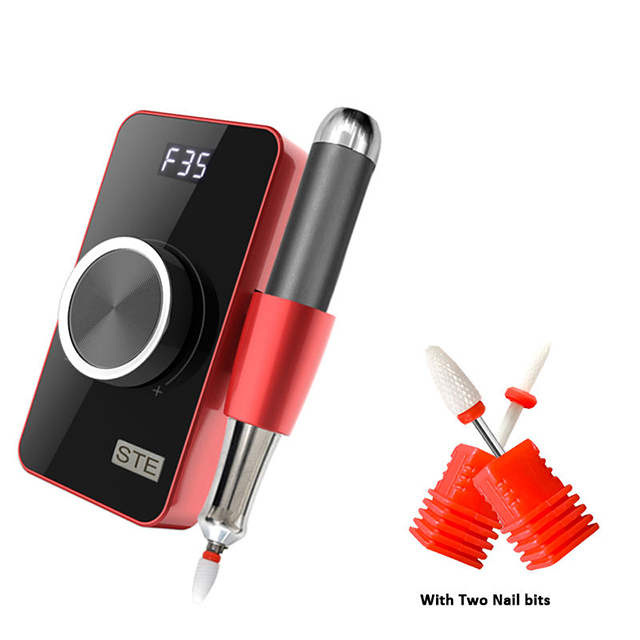
LCD顯示釘鑽轉速RPM視覺化控制
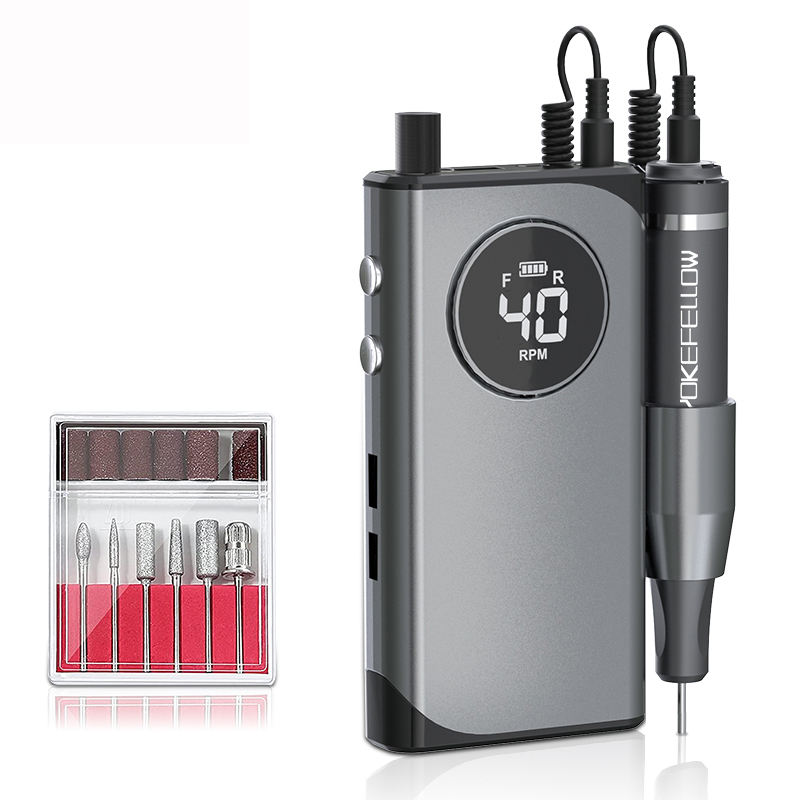
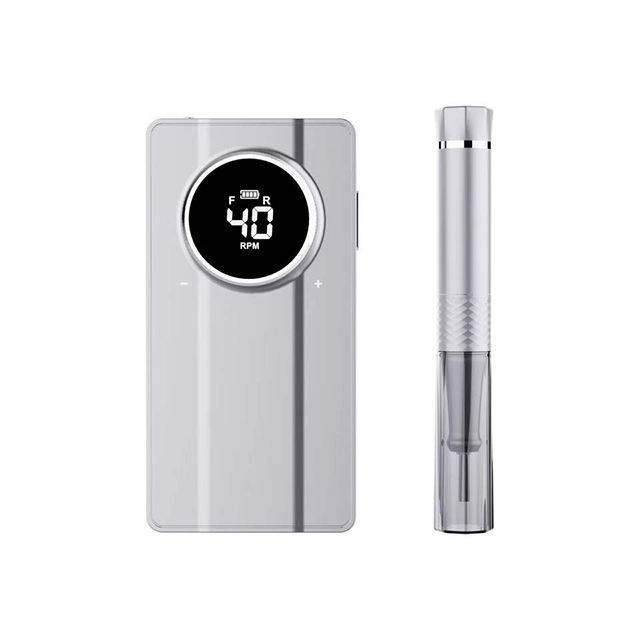
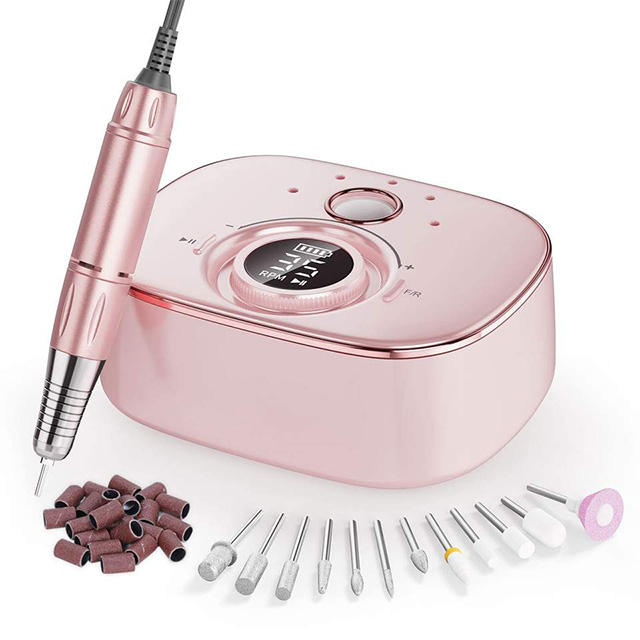
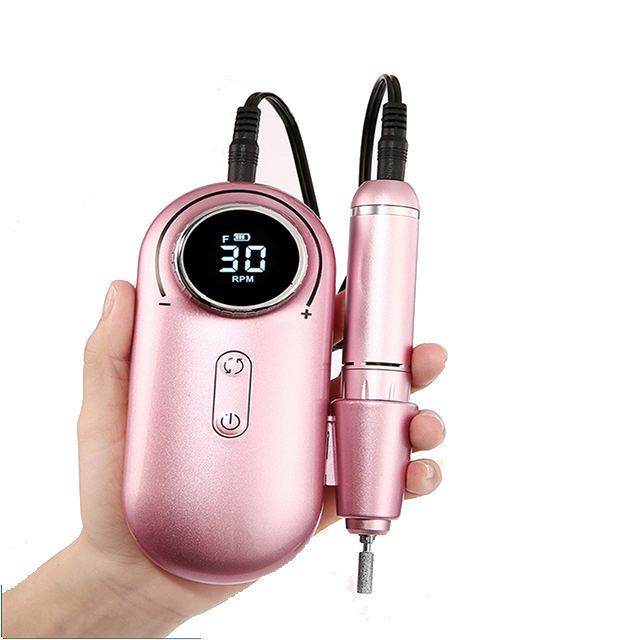
DetailsRUINA LCD Display Nail Drill Speed RPM Visual Control puts precision at your fingertips with a clear, real-time digital screen that shows exact rotation speed, so you always know your setting for flawless filing every time. Its responsive motor and wide RPM range handle acrylics, gels, and natural nails with steady torque and minimal vibration, while the intuitive interface makes speed adjustments instant and foolproof. Ideal for detail-oriented home users, busy salon pros, or gifting to friends who love tech-savvy beauty tools, this device transforms nail care into a precise, confident experience. No more guesswork or inconsistent results—just accurate, repeatable performance that delivers professional finishes reliably. Unlike basic drills without displays, our model includes a memory function that retains your preferred speed, a comfortable ergonomic handpiece, and durable titanium bits for long-lasting sharpness. Whether creating intricate nail art or performing quick maintenance, users appreciate the clarity and control at every step. RUINA combines smart technology with dependable power—clear, controlled, and confidently precise for beautiful nails every session.
發送詢問
產品描述
液晶顯示釘鑽轉速RPM可視化控制技術標準
Precision in nail care is not merely about the tool in hand but about the information available to the operator. The LCD Display Nail Drill Speed RPM Visual Control represents a significant advancement in user interface engineering, transforming the electric file from a blind instrument into a transparent, data-driven device. Real-time visual feedback on rotational speed, torque, and battery status empowers technicians to make micro-adjustments with confidence, ensuring consistent results across different nail types and product densities. Understanding the technical specifications, display functionalities, and control logic of these systems is essential for professionals who demand precision and reproducibility in every service.
核心技術規格和顯示指標
LCD 顯示器釘鑽速度 RPM 視覺控制由其螢幕品質、反應時間和所呈現資訊的深度來定義。下表比較了基本 LED 指示器單元與配備先進 LCD 的系統中的關鍵參數。
| 範圍 | 基本 LED 指示燈型號 | 先進的液晶顯示器視覺控制 | 技術洞察 |
| 顯示類型 | 單色/色彩LED燈 | 分段/TFT液晶屏 | LCD 提供字母數字讀數,而不僅僅是預設速度指示器。 |
| 速度讀數 | 無/預設等級編號 | 實時 RPM(例如,0 – 35,000 RPM) | 即時 RPM 允許速度與位元和任務的精確匹配。 |
| 顯示參數 | 速度等級 (1-3/5) | RPM、扭力等級、電池百分比、方向、運行時間 | 全面的數據可以在服務期間進行明智的調整。 |
| 重新整理率 | 不適用 | ≥ 60 Hz(即時更新) | 高刷新率確保速度變化立即反映出來。 |
| 背光 | 無/簡單 LED | 藍/白背光,亮度可調 | 背光確保各種照明條件下的可視性。 |
| 控制介面 | 機械旋鈕/按鈕 | 帶有觸覺回饋的觸摸/電容式按鈕 | 增強的介面允許更快、更精確的調整。 |
| 記憶功能 | 沒有任何 | 自動調用上次使用的速度和方向 | 透過保留首選設定節省客戶之間的時間。 |
| 讀數精度 | 不適用 | 顯示轉速的 ± 2% | 高精度確保了服務的可重複性。 |
| 顯示扭矩 | 沒有任何 | 長條圖/數字(Nm 或 %) | 視覺扭矩回饋可防止失速並指示負載狀況。 |
| 電池監控 | 僅低電壓警告 | 預計剩餘時間的百分比 (0-100%) | 防止維修期間意外斷電。 |
| 錯誤/警告顯示 | 閃爍燈 | 簡訊(例如「過載」、「高溫」) | 診斷訊息有助於故障排除並防止損壞。 |
| 螢幕耐用度 | 標準 | 防刮/防眩塗層 | 確保沙龍環境中的易讀性和持久性。 |
詳細的介面和控制分析
即時轉速監測及其實際應用
LCD 顯示器釘鑽速度 RPM 視覺控制的定義功能是能夠即時查看實際旋轉速度。這不僅僅是表面上的升級,它對服務品質和安全有直接的實際影響。
Different bits have specific optimal operating speeds. A fine diamond bit for cuticle work performs best between 5,000 and 8,000 RPM. A carbide cutter for acrylic bulk reduction requires 20,000 to 30,000 RPM. Without a real-time display, the technician relies on vague "level" settings that vary between manufacturers. The LCD eliminates this guesswork, allowing the technician to dial in the exact RPM required for the task and confirm that the motor is delivering that speed under load.
Furthermore, the display reveals if the motor is struggling. If the set speed is 30,000 RPM but the readout shows 22,000 RPM under load, the technician knows to reduce pressure or switch to a more aggressive bit. This real-time feedback prevents stalling and reduces the risk of the bit grabbing or skipping.
全面的數據顯示與控制邏輯
先進的 LCD 系統提供關鍵操作參數的儀表板:
轉速讀數:主要數位顯示屏,通常即時顯示當前速度。有些單位同時顯示設定速度和實際速度。
扭力長條圖: A visual indicator of the motor's load. As pressure increases, the bar rises. When it reaches the red zone, the user knows to lighten pressure to avoid stalling or overheating.
電池百分比:對於無線型號,精確的百分比讀數(而不是模糊的 3 條指示器)使技術人員能夠自信地完成服務,而不會出現意外斷電。
旋轉方向:清晰的箭頭或文字指示器(FWD/REV)可防止意外使用錯誤方向。
記憶體狀態:有些裝置顯示活動記憶體插槽(例如 M1、M2),可在不同用戶端或服務的預先儲存設定之間快速切換。
The control interface itself is also elevated. Capacitive touch buttons or a precision dial with haptic feedback allow for single-finger adjustments without looking away from the client's hand. Some systems feature a lock function that prevents accidental speed changes during a stroke.
診斷和安全功能
The LCD screen also serves as a diagnostic tool. When issues arise, the display shows specific error codes or text messages rather than a simple flashing light. Common messages include:
“超載”:馬達消耗過多電流;減少壓力。
“高溫”:馬達或驅動板過熱;讓其冷卻。
“電池電量低”:剩餘量少於10%;下次服務前充電。
“沒有一點”:某些單元會偵測某個位元是否未正確保護。
這種透明度減少了停機時間,幫助技術人員快速解決問題,並提高整體工作流程效率。
LCD 顯示釘鑽速度 RPM 視覺控制細節
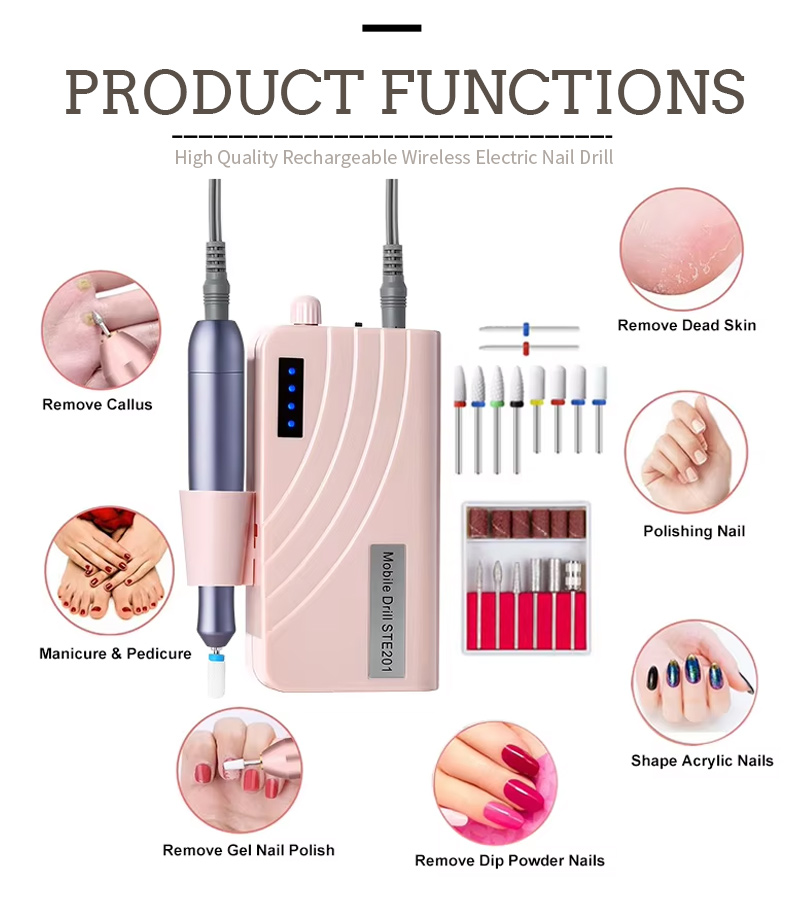
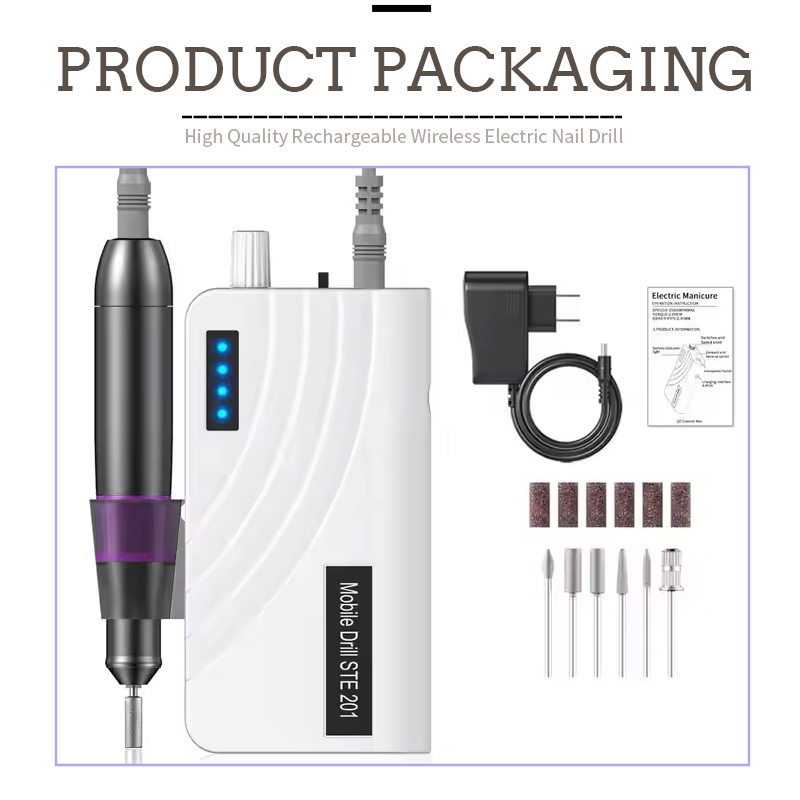
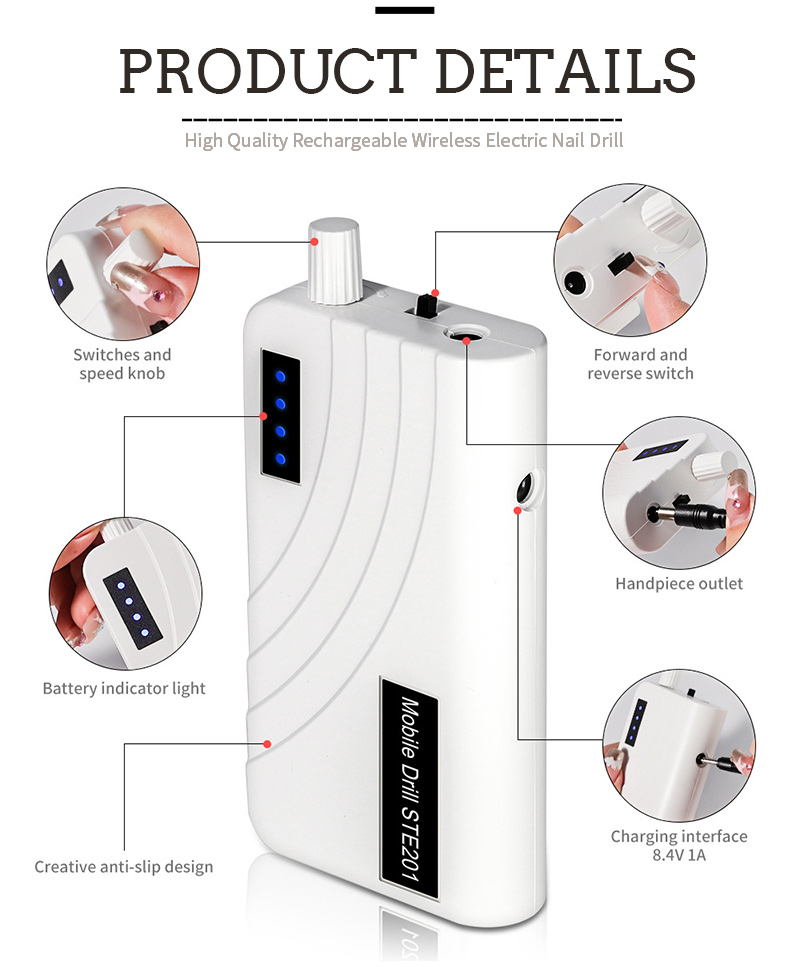
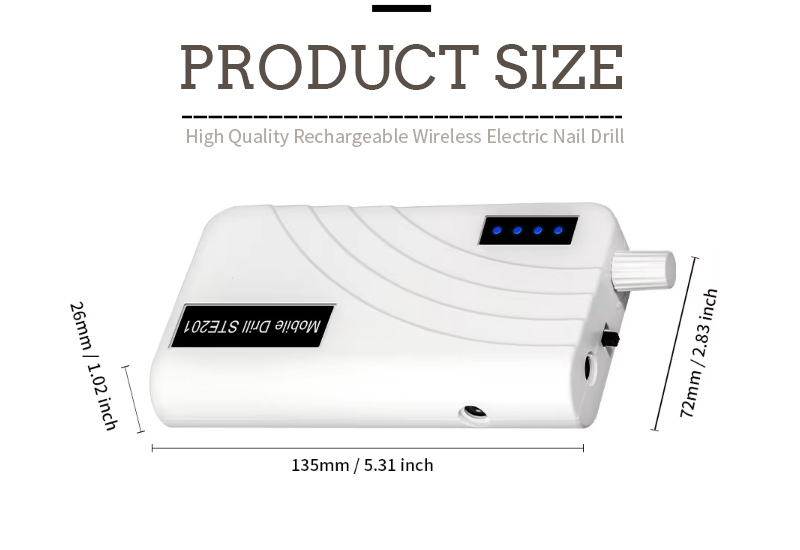
常見問題 (FAQ)
Q:LCD 顯示器上的 RPM 讀數與無顯示器鑽孔機上的速度等級數字有何不同?
A: This is a fundamental difference between a blind setting and a precise measurement. On a basic drill without an LCD Display Nail Drill Speed RPM Visual Control, the speed settings are typically marked with numbers (e.g., 1, 2, 3) or symbols. These numbers represent relative percentages of the motor's maximum speed, not an actual RPM value. For example, "Level 3" on one manufacturer's drill might be 15,000 RPM, while on another, it could be 20,000 RPM . Furthermore, these settings are based on the motor's no-load speed; when you apply pressure to the nail, the actual RPM drops, and you have no way of knowing by how much . The LCD screen, by contrast, displays the actual real-time RPM using a Hall effect sensor or encoder on the motor shaft . You can set the exact RPM you want and see the motor's performance under load. If the speed drops, you see it immediately and can adjust your technique or bit selection accordingly . This precision is invaluable for achieving consistent, reproducible results across different clients and service types .
Q:液晶顯示器上的扭力長條圖表示什麼?在維修過程中我應該如何使用它?
A: The torque bar graph is a visual representation of the motor's current load or resistance . As you press the drill bit against the nail or enhancement, the motor must work harder to maintain its set RPM. This increased load is reflected in the bar graph, which typically rises from green (normal) to yellow (moderate load) to red (high load/overload) . The practical application is straightforward: when performing a service, aim to keep the torque bar in the green to lower-yellow range . If the bar consistently enters the red zone, it indicates that you are applying too much pressure, using the wrong bit for the task, or operating the bit at an insufficient RPM for the density of the material . When the bar is in the red, the motor is at risk of stalling, and the bit is generating excessive friction heat . The correct response is to reduce pressure, increase the RPM, or switch to a more aggressive bit . This visual feedback allows you to optimize your technique in real-time, preventing client discomfort and extending the life of your motor .
Q:我可以在液晶顯示器指甲鑽上保存我的首選速度和方向設定嗎?
A: Yes, many premium LCD Display Nail Drill Speed RPM Visual Control units feature a memory function that allows you to save multiple user profiles or preferred settings . This is particularly useful in a salon environment where multiple technicians share the same equipment, or for individual technicians who perform a variety of services that require different speed and direction configurations . Typically, the system offers between 2 and 5 memory slots (often labeled M1, M2, M3, etc.) . To save a setting, you dial in your preferred RPM, select the direction (forward or reverse), and then hold a "Save" or "Set" button for a few seconds . The LCD screen will confirm the save, and you can then recall that exact configuration with a single button press at the start of each service . This feature eliminates the need to manually re-dial settings between clients, reducing setup time and ensuring consistency across repeat customers . For technicians who use different bits for different stages of a service (e.g., coarse bit for removal, fine bit for finishing), the memory function allows for instant switching between optimized speed profiles . 瑞納在其先進的 LCD 控制系統中包含多槽記憶體功能,以簡化專業工作流程。
使用 LCD 視覺控制的最佳實踐
若要充分利用 LCD 顯示器釘鑽速度 RPM 視覺控制的功能,請實施以下專業協議:
設定精確的 RPM:不要使用模糊的級別,而是參考鑽頭製造商建議的 RPM 範圍並在顯示器上撥入準確的值。
監控扭力桿:維修期間將條形保持在綠色到黃色區域。如果進入紅色,請立即調整技術。
使用記憶體插槽:保存常用服務的首選設置,例如,M1 用於丙烯酸去除(25,000 RPM,正向),M2 用於角質層處理(6,000 RPM,正向),M3 用於最終拋光(3,000 RPM,反向)。
校準你的眼睛:使用 RPM 讀數來訓練您的速度感。隨著時間的推移,您將對鑽頭在特定轉速下的正確聲音和感覺產生直觀的感覺,使您更快、更自信。
在客戶之前檢查電池:在無線型號上,請務必在開始服務之前檢查顯示的電池百分比,以確保您有足夠的運行時間。
回應警告:如果 LCD 顯示錯誤訊息(過載、高溫),請立即停止服務,找出原因,並讓裝置重置,然後再繼續。忽視警告可能會導致馬達永久性損壞。
熱門標籤: 液晶顯示釘鑽速度 RPM 視覺控制,中國,製造商,供應商,工廠,中國製造,定制,庫存,質量