繁体中文
繁体中文-
 English
 -
 שפה עברית
 - 繁体中文
-
 Latviešu
 -
 беларускі
 -
 Hrvatski
 -
 lugha ya Kiswahili
 -
 አማርኛ
አማርኛ -
 ქართული
 -
 Hausa
Hausa -
 Zulu
Zulu -
 Հայերեն
 -
 Igbo
Igbo -
 Yoruba
 -
 Español
 -
 Português
 -
 русский
 -
 Français
 -
 日本語
日本語 -
 Deutsch
 -
 tiếng Việt
 -
 Italiano
 -
 Nederlands
 -
 ภาษาไทย
 -
 Polski
 -
 Svenska
 -
 magyar
 -
 Malay
Malay -
 Dansk
Dansk -
 Suomi
Suomi -
 हिन्दी
 -
 Pilipino
 -
 Türkçe
 -
 العربية
 -
 Indonesia
 -
 Norsk
Norsk -
 český
český -
 ελληνικά
 -
 український
 -
 فارسی
فارسی -
 български
 -
 Қазақша
 -
 Azərbaycan
 -
 Slovenský jazyk
 -
 Lietuvos
 -
 Eesti Keel
 -
 Română
 -
 Slovenski
 -
 Srpski језик
 -
 한국어
한국어

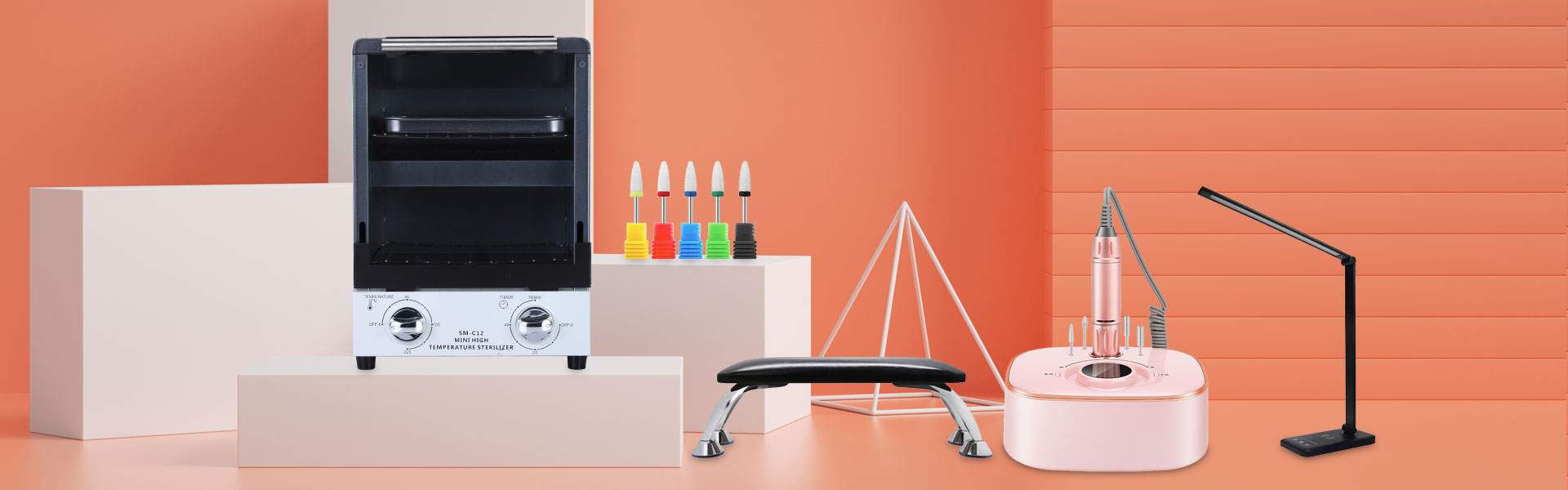
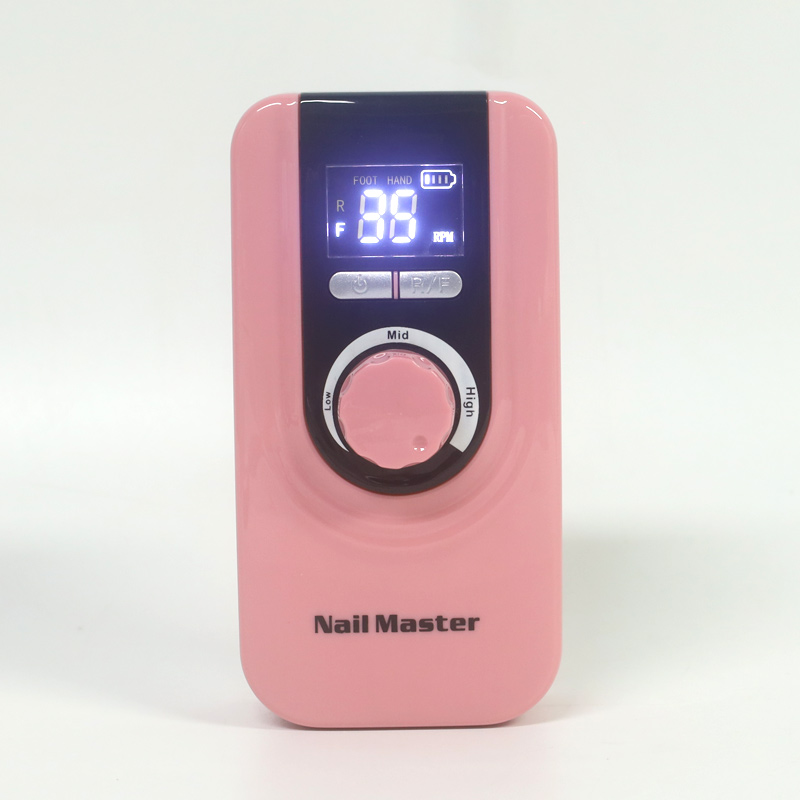
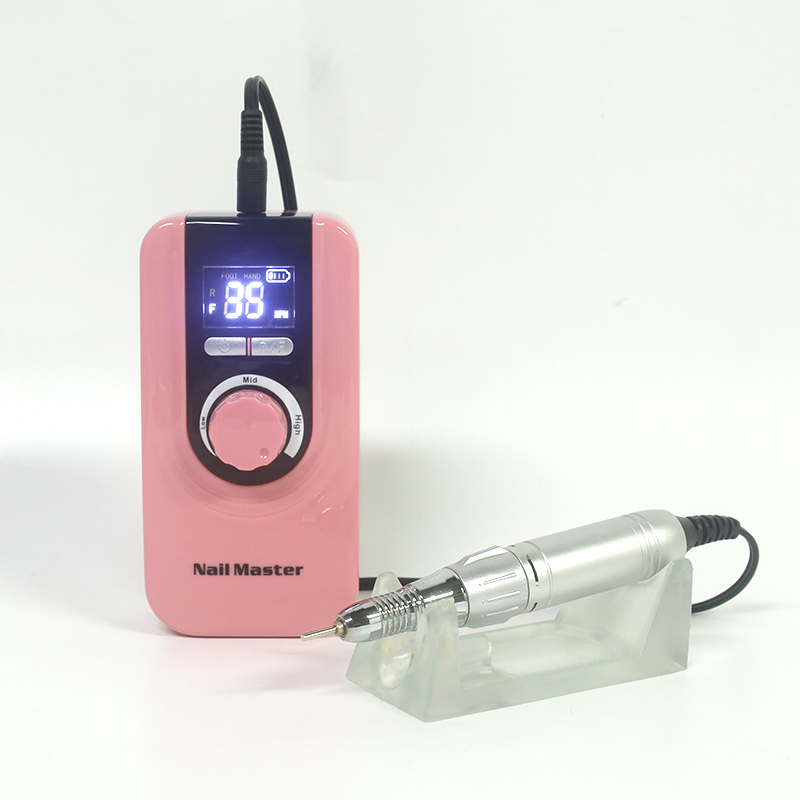
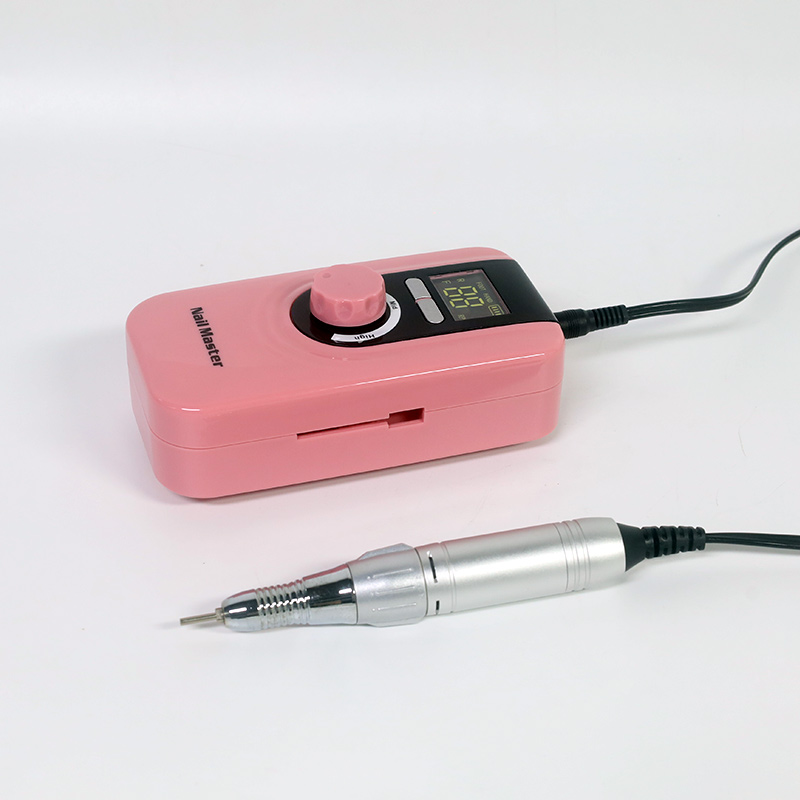
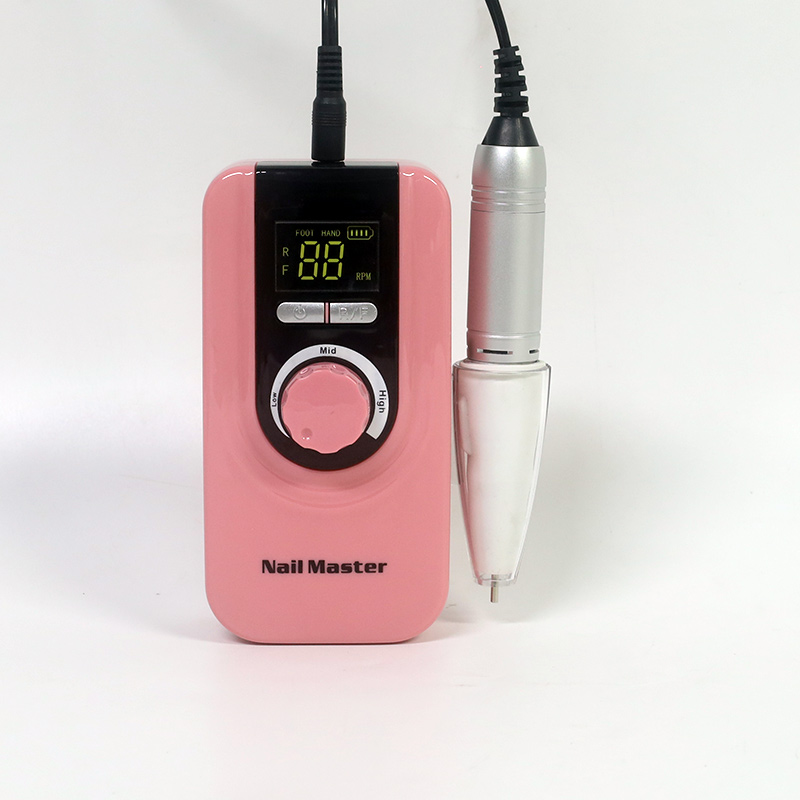
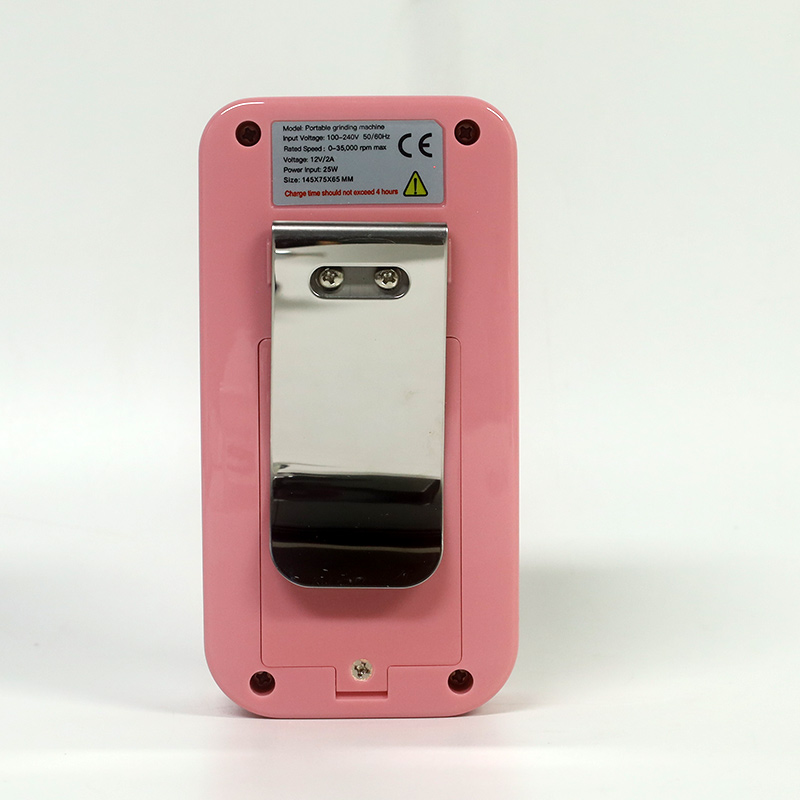
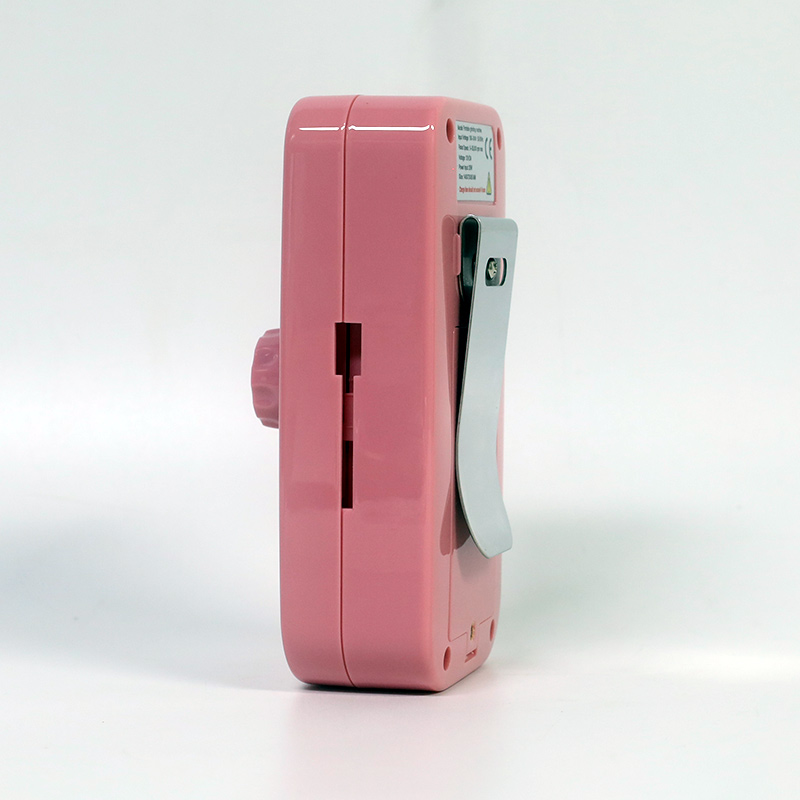
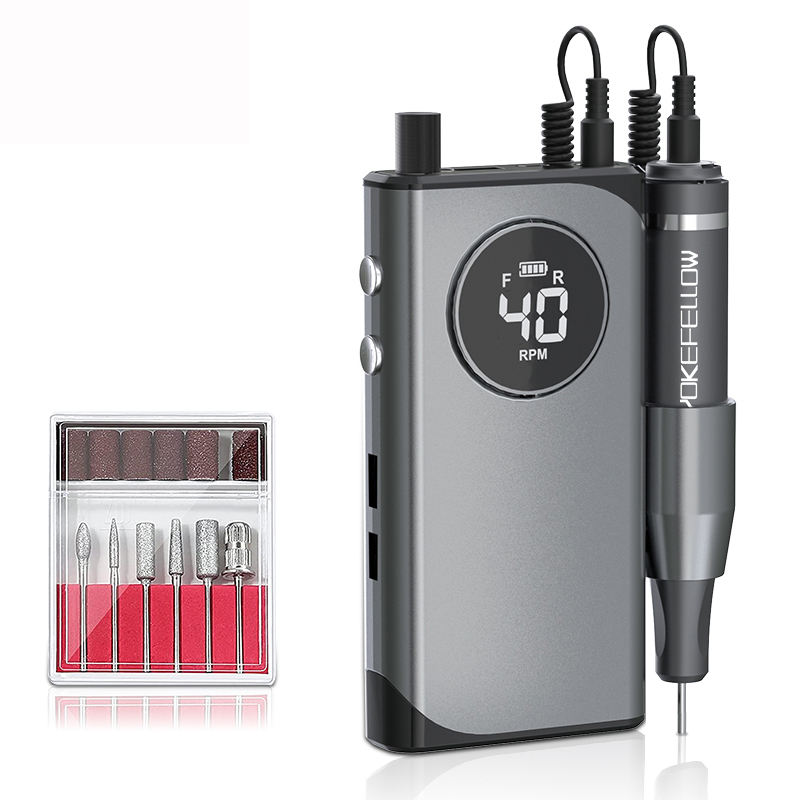
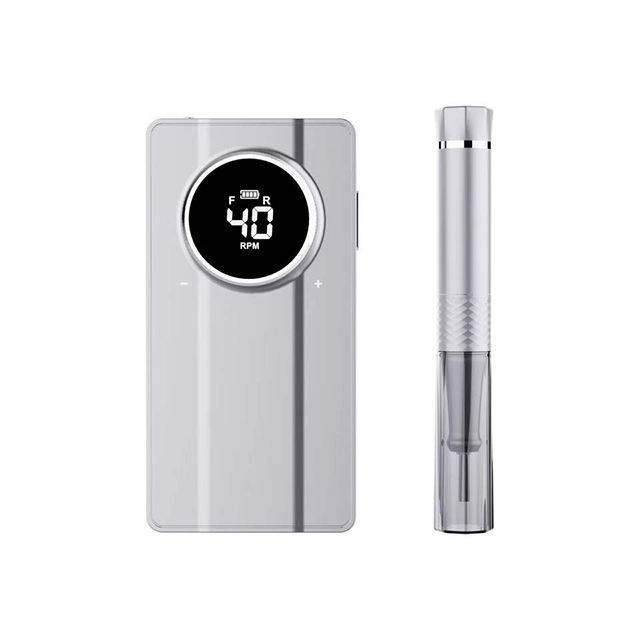
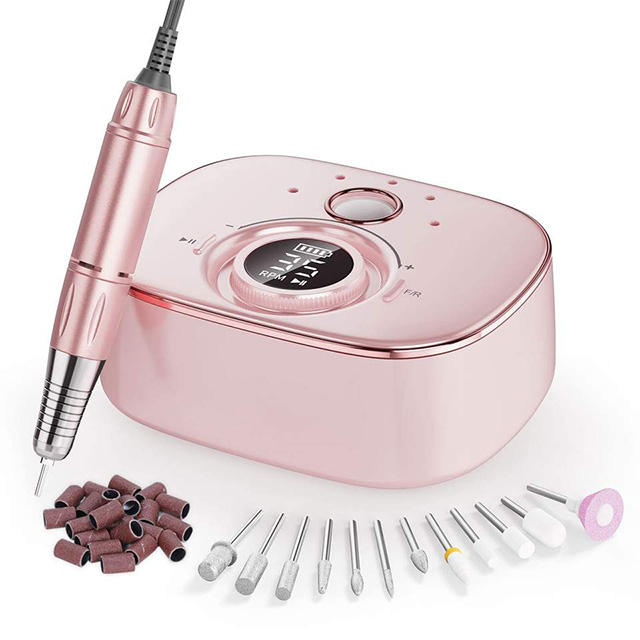
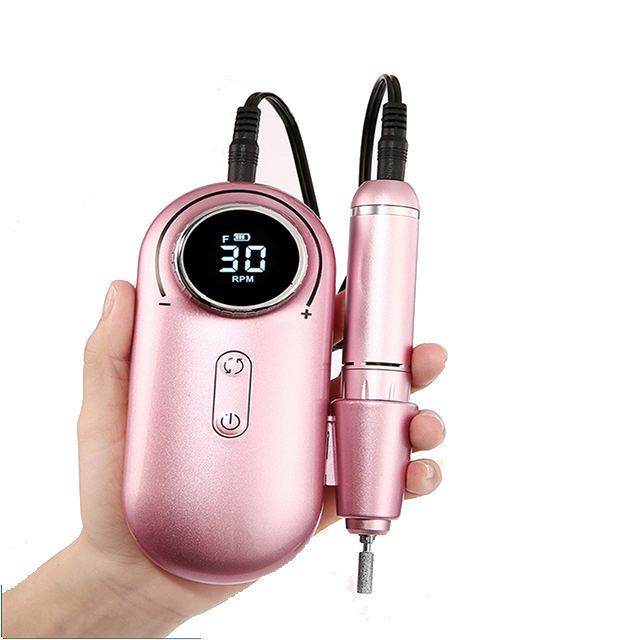
LCD 變速指甲鑽精確轉速顯示
The LCD Variable Speed Nail Drill Precise RPM Display transforms the traditional electric file into a data-driven, transparent tool. Featuring a high refresh-rate LCD screen, it provides real-time RPM feedback, dynamic torque bar graphs, and precise battery percentages, eliminating the guesswork of traditional speed "levels." With micro-stepped control (≤ 100 RPM increments) and a memory function to recall your exact settings, this drill ensures reproducible, flawless results for meticulous professionals and wholesale distributors seeking advanced control.
發送詢問
產品描述
LCD 變速指甲鑽精確轉速顯示
消除指甲形狀的猜測。該鑽機具有明亮、即時的數位讀數、微步進精度和智慧診斷功能,可將您的電子文件轉換為數據驅動設備,以獲得完美、可重複的結果。
即時數據
查看精確的轉速和負載下的實際速度,而不是依賴模糊的“速度等級”。
微步進控制
以 ≤ 100 RPM 的增量調節速度,以絕對控制敏感的天然指甲。
智慧記憶
自動呼叫您上次使用的速度和方向,節省不同客戶服務之間的時間。
技術規格和顯示指標
這LCD 變速指甲鑽精確轉速顯示由其螢幕品質、反應時間和所呈現資訊的深度來定義。下表對基本 LED 指示器單元與配備先進 LCD 的系統進行了比較。
| 範圍 | 基本 LED 指示燈型號 | 先進的液晶變速顯示 | 技術洞察 |
|---|---|---|---|
| 顯示類型 | 單色/色彩LED燈 | 分段/TFT液晶屏 | LCD 提供字母數字讀數,而不僅僅是預設速度指示器。 |
| 速度讀數 | 無/預設等級編號 | 即時轉速(0 – 35,000 RPM) | 即時 RPM 允許速度與位元和任務的精確匹配。 |
| 速度控制 | 機械旋鈕/按鈕 | 具有微步進控制的可變轉盤 | 無限可調性可在整個範圍內實現精確的速度選擇。 |
| 控制解析度 | N/A(固定步驟) | 每個調整步驟 ≤ 100 RPM | 精細的分辨率允許敏感客戶進行微調。 |
| 顯示參數 | 速度等級 (1-3/5) | RPM、扭力等級、電池百分比、方向、運行時間 | 全面的數據可以在服務期間進行明智的調整。 |
| 重新整理率 | 不適用 | ≥ 60 Hz(即時更新) | 高刷新率確保速度變化立即反映出來。 |
| 讀數精度 | 不適用 | 顯示轉速的 ± 2% | 高精度確保了服務的可重複性。 |
| 錯誤/警告顯示 | 閃爍燈 | 簡訊(例如「過載」、「高溫」) | 診斷訊息有助於故障排除並防止損壞。 |
產品功能及介面詳情
除了單純的規格之外,這款數位指甲鑽的可視化介面還專為即時工作流程優化而設計。無論您是管理電池壽命還是將完美速度與微妙的部分相匹配,即時儀表板都能讓您隨時了解情況。
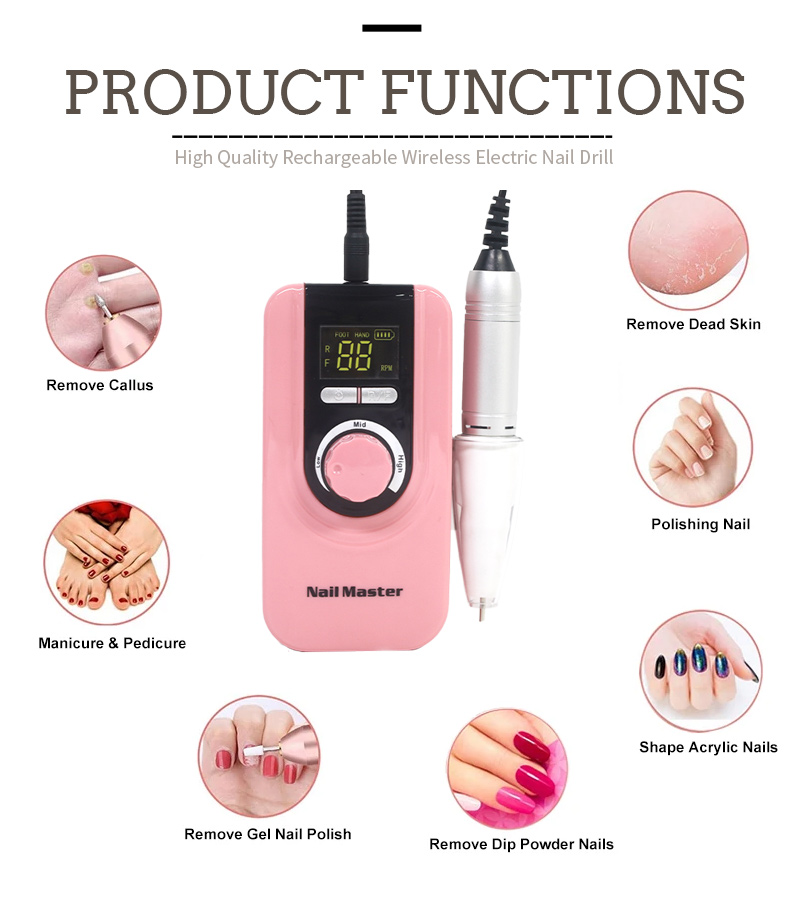
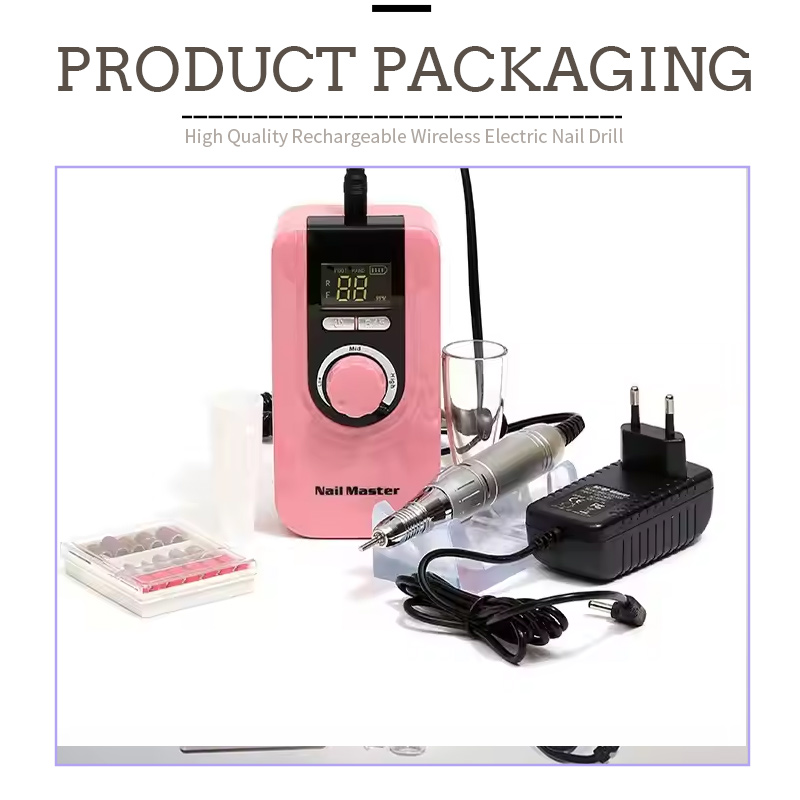
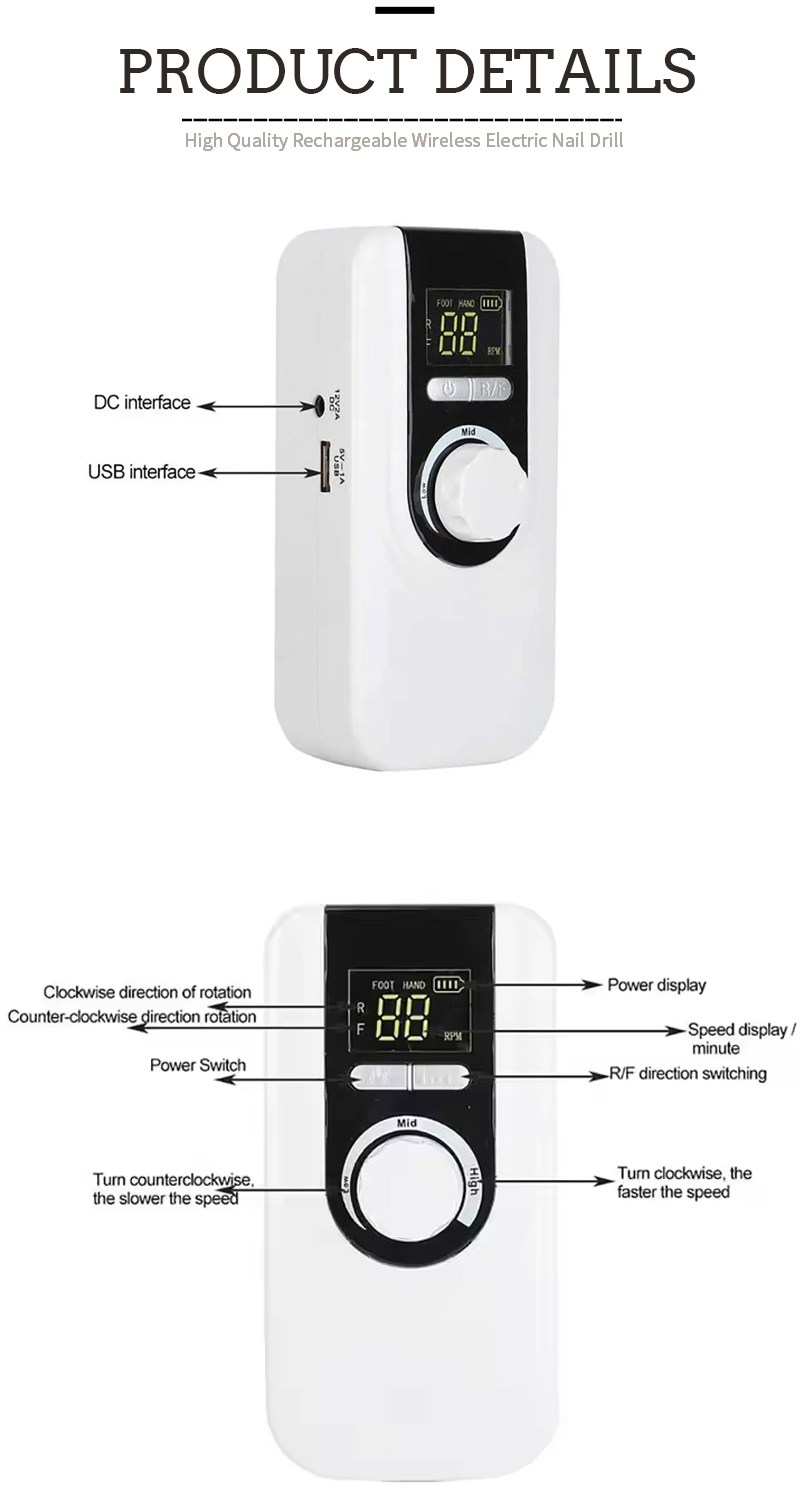
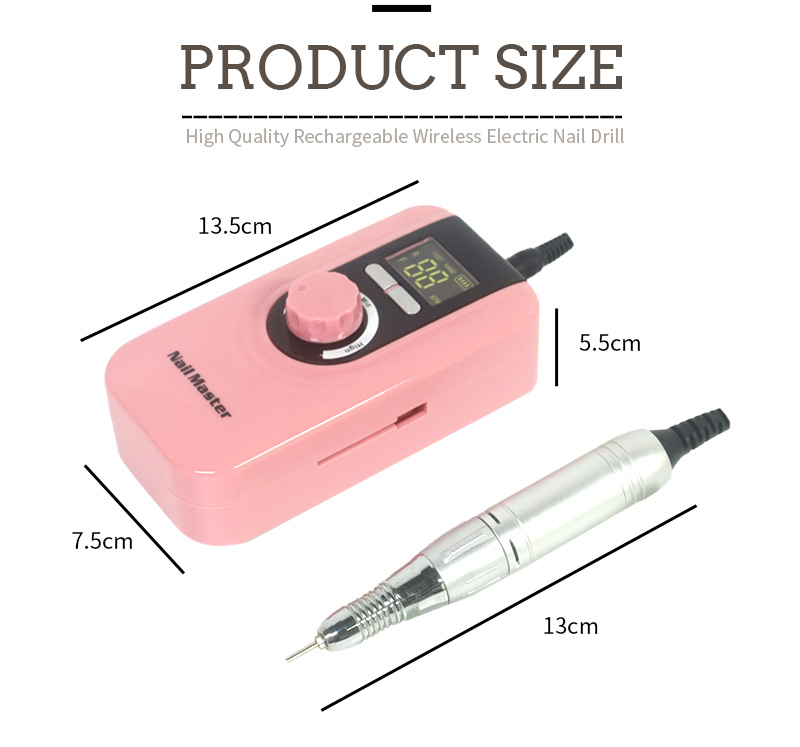
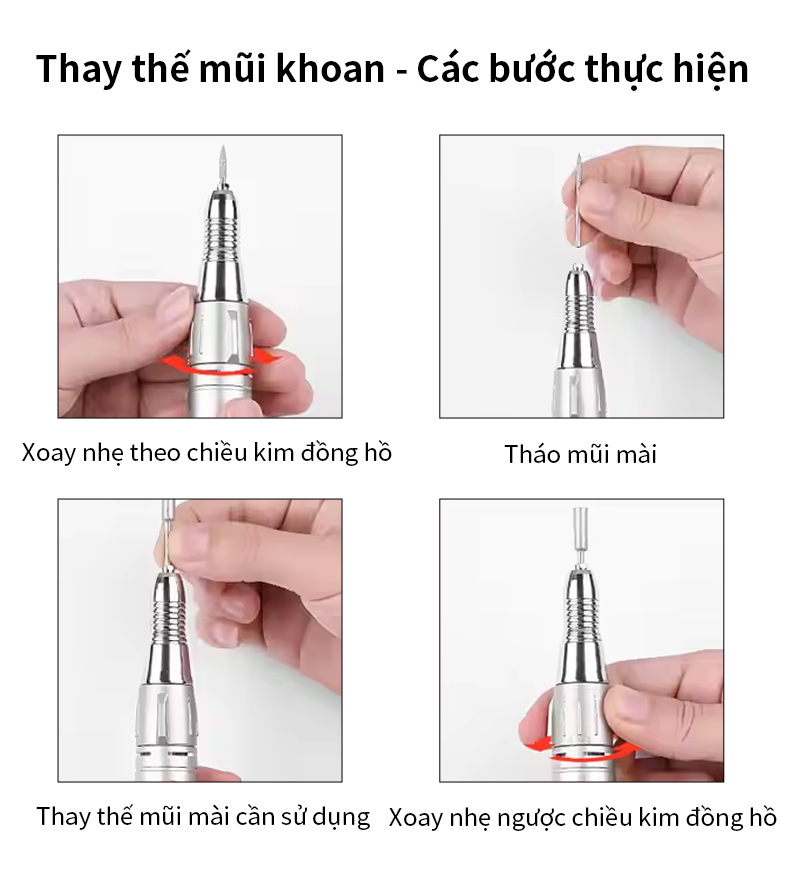
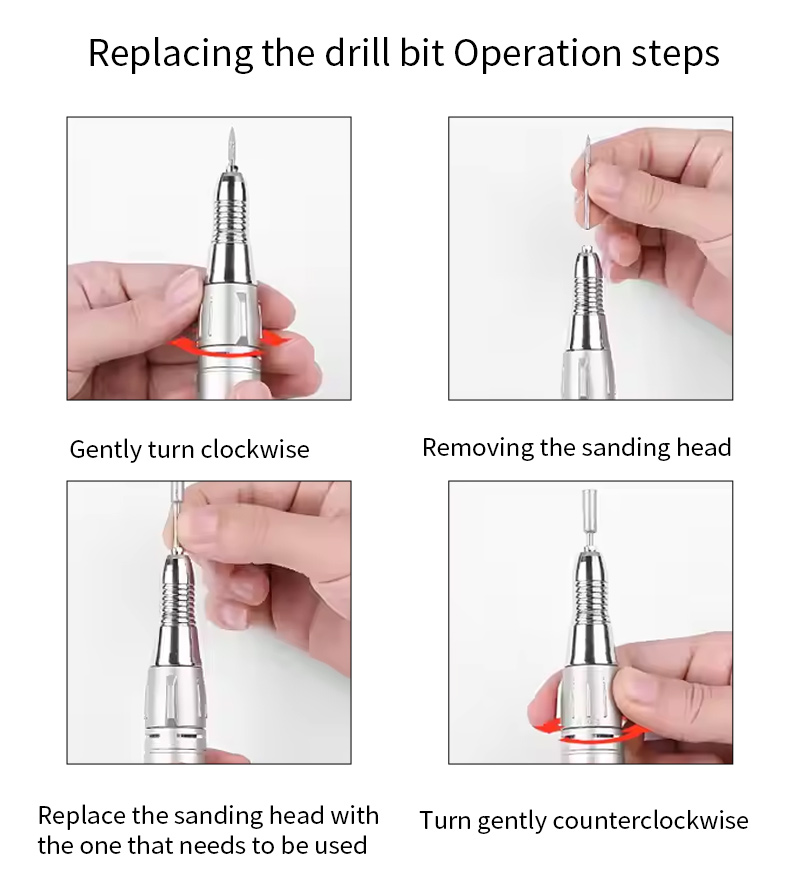
即時監控的實際應用
Different bits have specific optimal operating speeds. A fine diamond bit for cuticle work performs best between 5,000 and 8,000 RPM, while a carbide cutter for acrylic bulk reduction requires 20,000 to 30,000 RPM. Without a real-time display, the technician relies on vague "level" settings that vary between manufacturers.
這LCD eliminates this guesswork. Furthermore, if the set speed is 30,000 RPM but the readout shows 22,000 RPM under load, the technician knows to reduce pressure or switch to a more aggressive bit. This real-time feedback prevents stalling and reduces the risk of the bit grabbing or skipping. If you are looking to pair this unit with precision tools, explore our 專業指甲鑽頭.
常見問題解答
LCD 顯示器上的 RPM 讀數與無顯示器鑽孔機上的速度等級數字有何不同?
On a basic drill, speed settings represent relative percentages (e.g., Level 1, 2, 3) based on the motor's no-load speed. The LCD screen, by contrast, displays the actual real-time RPM under load using a Hall effect sensor or encoder. You can set the exact RPM you want and see the motor's performance under load. If the speed drops, you see it immediately and can adjust your technique or bit selection accordingly.
LCD 顯示器上的扭力長條圖表示什麼?在維修過程中我應該如何使用它?
The torque bar graph is a visual representation of the motor's current load. Aim to keep the bar in the green to lower-yellow range. If the bar consistently enters the red zone, it indicates you are applying too much pressure, using the wrong bit, or operating at an insufficient RPM for the material density. The correct response is to reduce pressure or increase RPM to prevent stalling.
我可以在此液晶美甲鑽上保存我的首選速度設定以用於不同的服務嗎?
Yes, the memory function allows you to save multiple preferred settings (often labeled M1, M2, M3). To save a setting, dial in your preferred RPM, select the direction, and hold the "Save" button. You can then recall that exact configuration with a single button press at the start of each service, ensuring consistency across repeat customers.
熱門標籤: 液晶變速指甲鑽,精準轉速顯示指甲銼,數位指甲鑽,沙龍電動銼刀,批發指甲鑽,變速美甲機,數位指甲鑽